














 Shop
Shop
iMyTrans transfers, backs up, restores, and exports supported WhatsApp and LINE data. D-Back scans supported devices and backups for recoverable data.
Professional Data Recovery and Data Transfer Solution for iOS 27
What do you need to do?
Every workflow makes the source, destination, supported data, and known limits clear.
Move chats to a new device
Transfer supported WhatsApp and LINE chats between iPhone and Android without resetting the destination device.
Recover data after an update
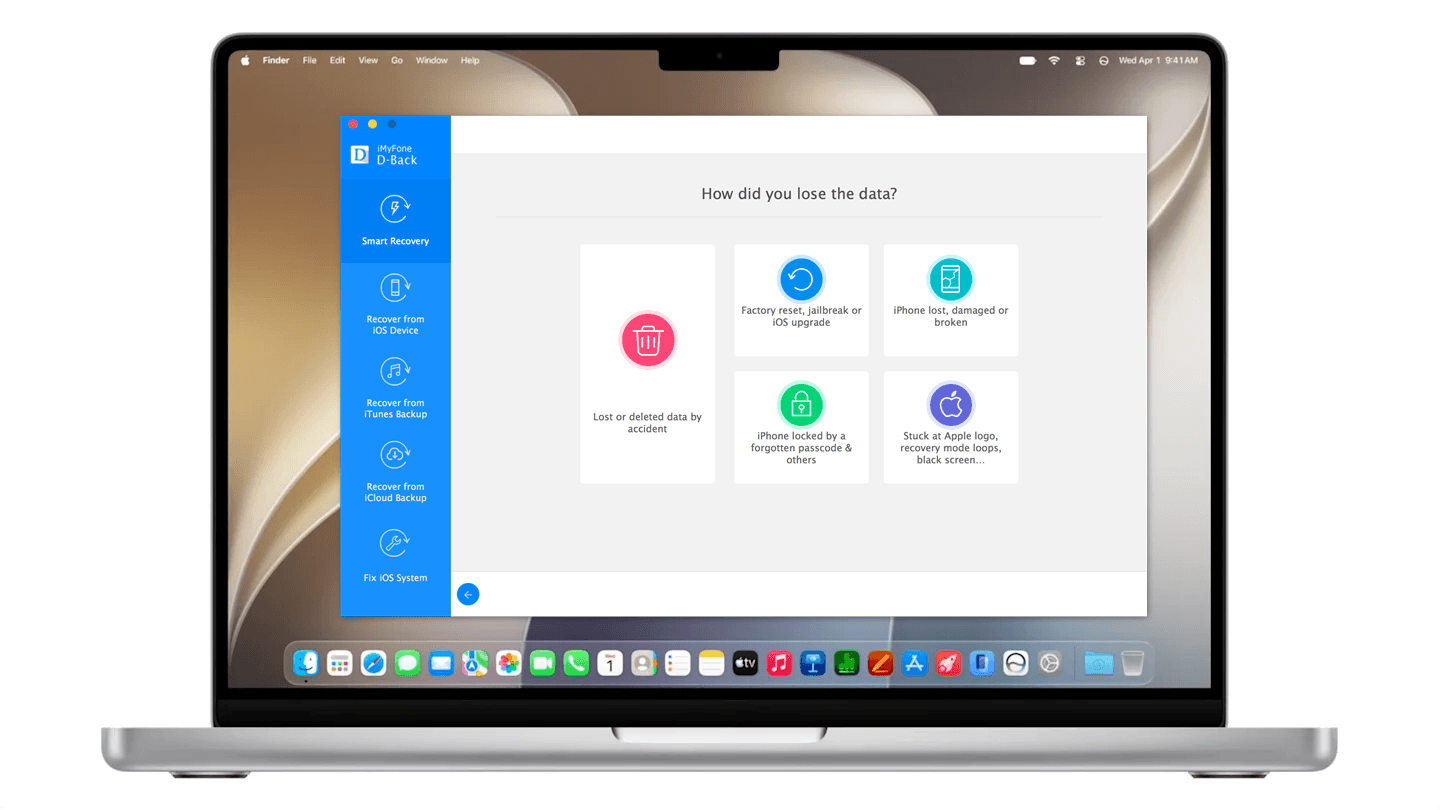
Scan a supported iPhone, iPad, iCloud source, or computer backup and preview detected items before export.
More about iOS 27
Explore iOS 27 guides, compatible tools, and practical preparation paths for your next update.
D D-Back
Missing data after an update? Do not reset yet.
Check account sync and Recently Deleted first. If the data is still missing, choose an available device or backup source and scan.
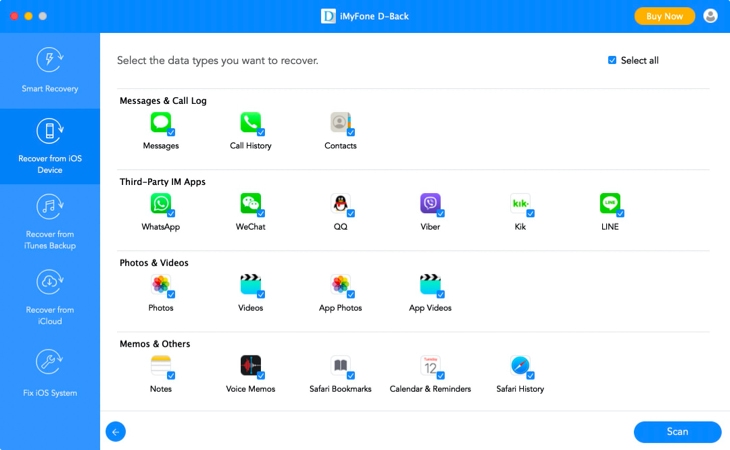
- ✓Choose data types before scanning
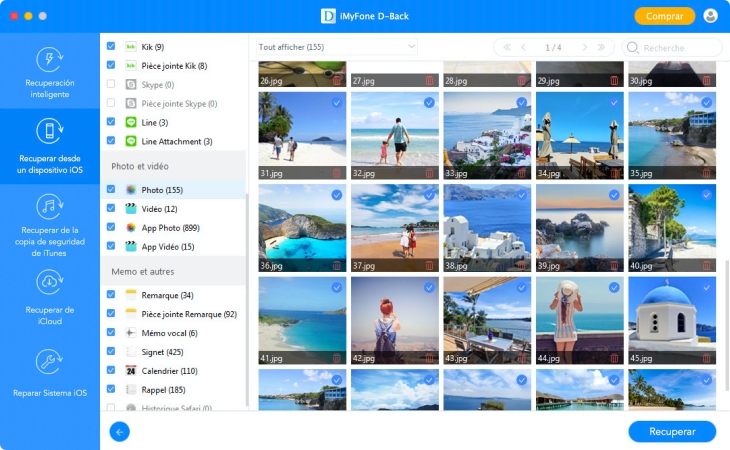
- ✓Preview detected items before export
- ✓Use separate iPhone and iPad compatibility results
Support More, Recover Better
Supporting more devices, the latest systems, and every file type you need—D-Back works harder for you.
-
Supports All iOS/iPadOS Devices
Choose from 4 Recovery Modes
Covers 38+ Data Types
Connect up to 5 Devices and 3 PCs
T iMyTrans
Switch devices without leaving conversations behind.
Move chats directly between iPhone and Android
Transfer supported WhatsApp, WhatsApp Business, GB WhatsApp, or LINE messages and attachments without a factory reset.
Know the limits before you begin
Results vary by OS build, device, app version, source, and whether deleted data has been overwritten.
Yes, both software support OS 27 including iOS 27.
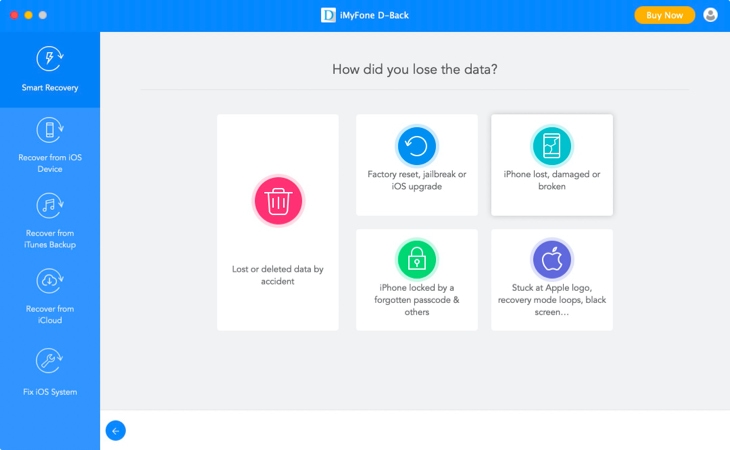
iMyFone D-Back can recover lost or deleted data from various devices such as iPhone, iPad, iPod, Android devices, and computers. Here are some common causes of data loss that can be recovered using D-Back:
- Accidental deletion: Accidentally deleting important files, contacts, or messages is one of the most common causes of data loss. D-Back can recover deleted files from various devices.
- Device damage: Physical damage to a device can lead to data loss. D-Back can recover data from devices that have been damaged due to water, fire, or physical damage.
- System crashes: System crashes can lead to data loss, especially if the system is not shut down properly. D-Back can recover data from devices that have experienced system crashes.
- Virus or malware attack: Virus or malware attacks can cause data loss by corrupting or deleting files. D-Back can recover data from devices that have been infected with viruses or malware.
- Operating system update failure: Updating the operating system can sometimes lead to data loss. D-Back can recover data from devices that have experienced an operating system update failure.
- Jailbreak failure: Jailbreaking an iOS device can sometimes cause data loss. D-Back can recover data from devices that have experienced jailbreak failure.
- And more...
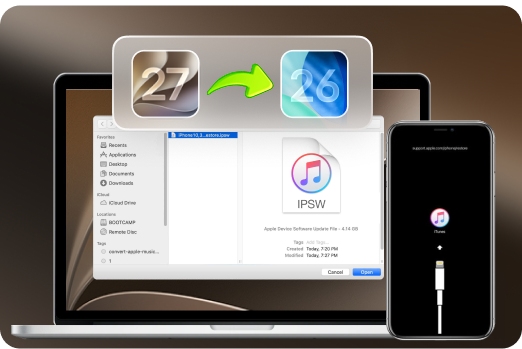
Upgrade your system, not your data risk.
Select the task in front of you. We will guide you to the right product and workflow.