

















 Shop
Shop
 iMyFone AnyTo
The #1
GPS Location Changer
for iPhone & Android
iMyFone AnyTo is a free location changer app supporting iOS 27 Beta and Android 17. Teleport anywhere in the world with 1 click. No jailbreak. No root.

Offers highly customizable and detection-free experience for over 5.88 million users.


Watch Demo
Tell Us What You Think












Solving Your Most Common Location Challenges
-
Play AR Games Without Leaving Home
iMyFone AnyTo is optimized for top LBS titles like Pokémon GO and Monster Hunter Now, featuring 360° GPS joystick and anti-detection mechanisms to ensure a 0% ban rate.
-
Stop Apps from Tracking Every Move
iMyFone AnyTo works as a GPS emulator to shield your location from family-tracking apps like Life360 or Find My. Take total control over your digital privacy with a single tap.
-
Secure Digital Footprint on Social Apps
Don't let your social media tags reveal your daily routines. Share creative "check-ins" on Snapchat, Whatsapp, and Instagram from anywhere in the world.
-
Find More Matches on Dating Apps
Break through the "radius walls" of apps like Tinder, Grindr, and Hinge without paying for premium "Passport" features. This teleport app allows you to meet people in any city across 190+ countries.


How iMyFone AnyTo Masterfully Fakes Your GPS Location
Teleport Mode
1-Tap Global Location Jumps
 Fast long-distance jumps

Two-Spot Mode
Walk smoothly from A to B
Route simulation

Joystick Mode
Real-Time 360° GPS Navigation
Realistic movement


Multi-Spot Mode
Move through multiple locations naturally
Manual control

-
Teleport Mode
1-Tap Global Location Jumps
Fast long-distance jumps
-
Two-Spot Mode
Walk smoothly from A to B
Route simulation
-
Joystick Mode
Real-Time 360° GPS Navigation
Realistic movement
-
Multi-Spot Mode
Move through multiple locations naturally
Manual control
Power-User Toolkit to Change GPS Location
Any Device, Anywhere
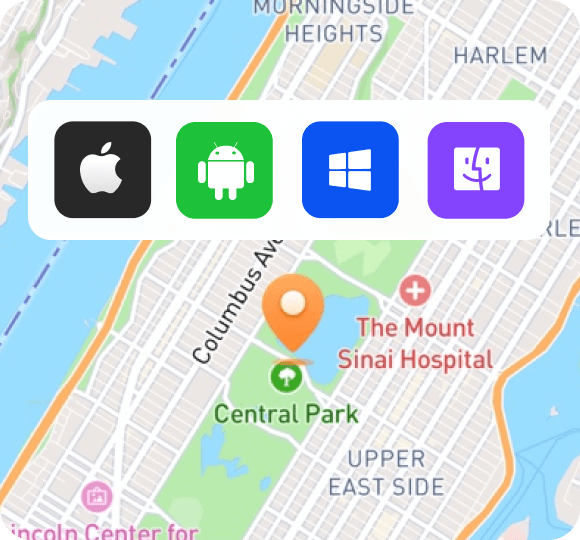
Use with or without a PC. Supports iOS 27 Beta and Android 17.
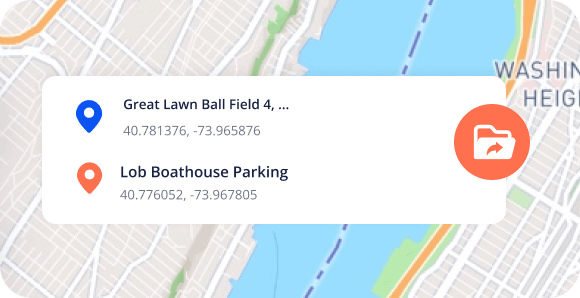
GPX Route Import
Export and share custom paths via GPX file support.
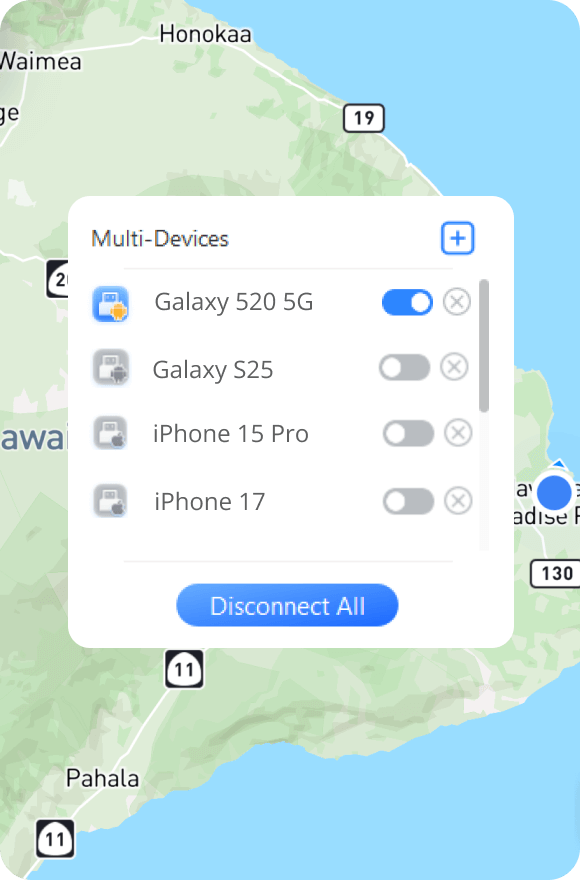
10-Device Sync
Manage up to 10 devices simultaneously on PC/Mac.
Wireless Freedom
Connect via WiFi, Bluetooth, or USB.

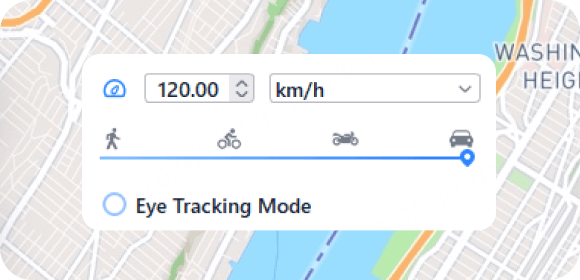
Dynamic Speed
Adjustable velocity from 3.6km/h to 120km/h.
Pro-Gamer Tools
Includes cooling timer, auto catcher, IV scanner, and maps for Pokémon GO.
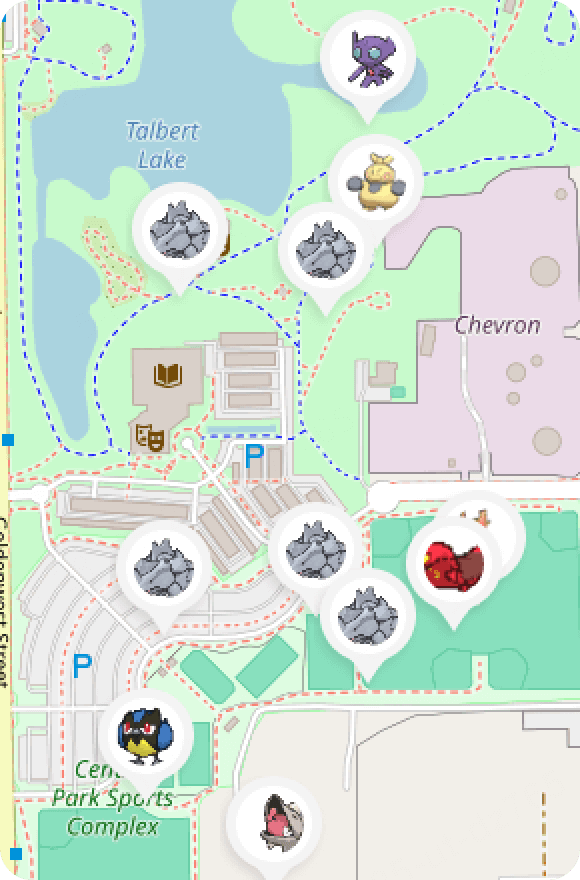
Cloud-Saved Routes
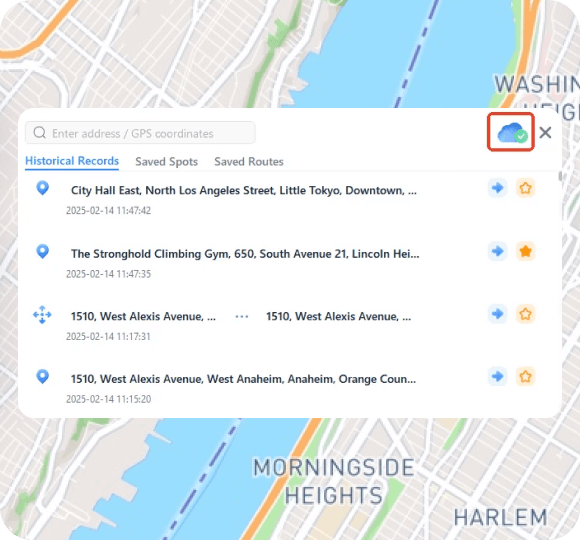
Access your favorite spots from any device via Secure Cloud.
Instant Reset
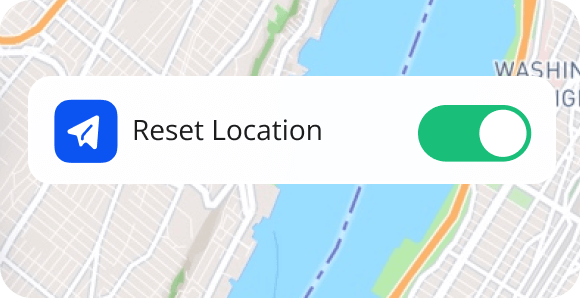
Restore your real GPS coordinates with one-tap safety.
Get Started with iMyFone AnyTo on Any Device
- For iOS App
- For PC/Mac
- For Android App For Android
-
Step 1.
Get iGo (iMyFone AnyTo iOS app) via the desktop app.
-
Step 2.
Pick your desired location on the map, and choose a mode.
-
Step 3.
Tap "Move," and your locaton will be changed instantly


-
Step 1.
Install the iMyFone AnyTo software on your computer.
-
Step 2.
Plug your phone into the computer or connect via Wi-Fi/Bluetooth.
-
Step 3.
Select your destination, and click "Move."


-
Step 1.
Download and install AnyTo on your phone.
-
Step 2.
Choose a location on the map and select the mode you want.
-
Step 3.
Tap "Move," and your location will be changed.


Why iMyFone AnyTo Beats the Competition
- Supported Devices
- Connection Method
- Anti-Detection
- Movement Mode
- Auto Routes
- System Updates
- Customer Support
- Price
- Free Trial
iMyFone AnyTo
- iPhone & Android
- Bluetooth, Wi-Fi, & USB
- 5
- Fast
- Fast & responsive
- From $14.99
Regular Fake GPS Apps
- Often limited
- USB
- 1
- Slow
- Slow or none
- From $19.99
From Our Users, In Their Own Words

Rea***ple
11/16/2025

Broke my leg last month so I literally couldn’t go out and play Pokémon GO at all. I also live in a rural area, so raids are usually dead. This app saved it for me. I've been teleporting to Pier 39 for raids and it’s been smooth.

Th***er
12/12/2023
I bought permanent in August, it's been great using the app. The update for iOS 17 was quick.

Loc*****ter
8/15/2025
So far so good! Everything's working great, almost chatper 7 in MHN! Was wondering if I could use without my PC and now that the app is on my iPhone, and found that the iOS app works as a charm.

Dav****it
1/14/2026
I've tried a bunch of location changers to fake my location on Find My, and this is the one I finally stuck with. The fake location is stable. No random jumps. Nothing looks weird.

gro****754
11/12/2024
Watched the how-to guides. They have YouTube videos and it helped a lot. It is a great app. I started a month ago and my nephew just started and he's been doing good. They have updates going on right now.
-
Millions of
successful location changes
-
Used in more than
120
countries
-
Trusted by over
85 million users
-
Over
25k downloads yearly
-
Recognized by over
1,000 Industry Insiders
Tech Specs
-
 CPU
CPUWin: 1GHz (32 bit or 64 bit) or above
Mac: 1GHz Intel or above -
 RAM
RAMWin: 256 MB or more of RAM
Mac: 512 MB or more -
 Hard Disk Space
500 MB or more free space
-
 iOS / Android
iOS: iOS 5 and up. (iOS 27 Beta included)
Android: Android 6.0 and up. (Android 17 included) -
 Computer OS
Windows: Win 11/10/8/7
Mac: mcOS 10.9 - mcOS 14
FAQs about AnyTo Location Changer App
Tips to Fake Location
iOS & Android Guides
Social App Guides
Privacy Tips
Reviews


![Why Is My Location Wrong on My iPhone? 9 Easy Fixes [2026]](https://images.imyfone.com/en/assets/overview/location-changer/ov-iphone-location-wrong.webp)
![[2026 Safest] How to Fake Find My Location on iPhone No PC](https://images.imyfone.com/en/assets/overview/location-changer/ov-fake-location-find-my.webp)


 Discord
 Youtube
 Tiktok
 Instagram
 FaceBook
 Twitter