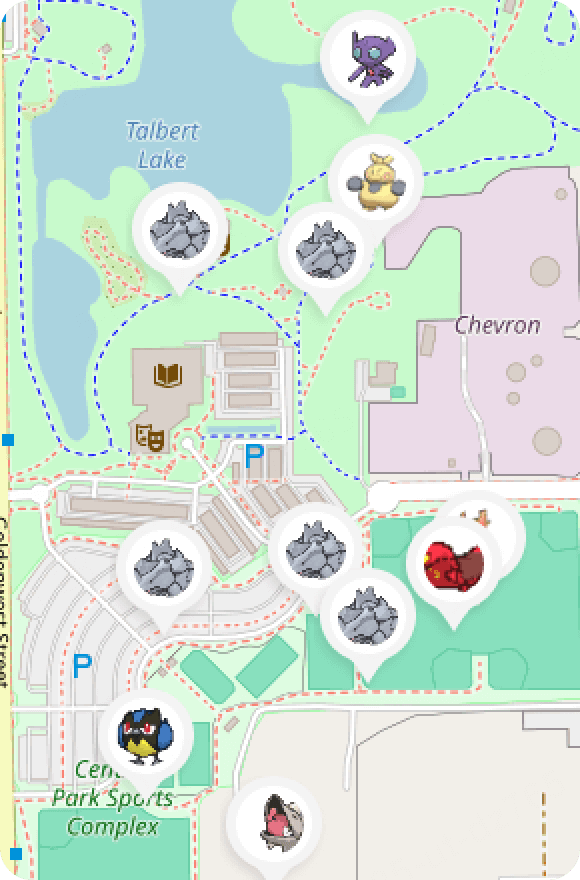
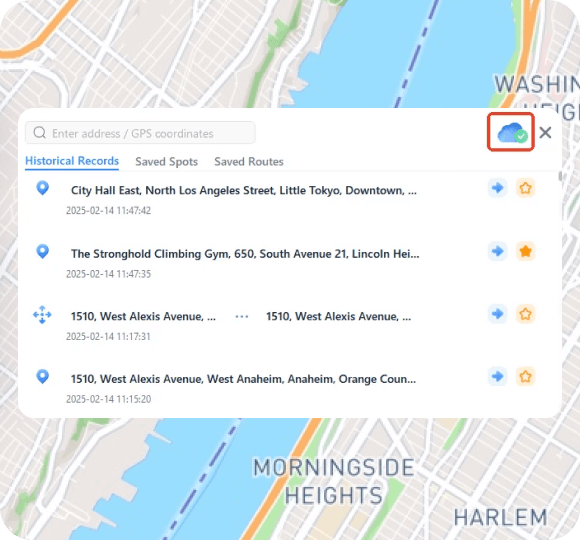
How to Teleport in Pokemon GO iPhone & Android (100% Safe)

How to Teleport in Pokemon GO iPhone & Android (100% Safe)

Home > Change Location

Spencer Hill

success

Rated successfully!

tips

You have already rated this article, please do not repeat scoring!

iMyFone AnyTo

AnyTo - Best Pokémon GO Teleport App

Teleport safely in Pokémon GO with iMyFone AnyTo Pokémon GO spoofer. Bluetooth spoofing available. Safe and simple. Try for free now!

Free Download

Trustpilot Rating 4.8


A Pokémon GO teleport app lets you instantly change your in-game location to anywhere in the world. It's a popular Pokémon GO hack to trick the game’s GPS system.

In this guide, we'll show you how to teleport in Pokémon GO on both iOS and Android, go over safety tips, and answer common questions so you can teleport smoothly and safely in 2025.

how to teleport in pokemon go

In this article:

What is Pokémon GO Teleport?

Pokémon GO teleporting is a cheat that allows you to use Pokémon GO fake GPS and change location without physically moving. This method is popular among trainers who can’t walk comfortably, live in rural areas with few PokéStops, or are stuck indoors due to bad weather. It makes the game more accessible to every one.

By using specialized teleporting apps, such as iMyFone AnyTo, you can safely change your location on iOS and Android while minimizing the risk of detection and bans.

Free Download

100% Secure

What Can You Do with a Pokémon GO Teleport Hack?

Walking is core to the gameplay loop, but it takes time and effort. A Pokémon GO teleport cheat removes that hurdle, reducing the work you need to put in so you can focus on having fun. To be more specific, here's what you can do with a teleport app:

  • Collect regionals like Rotom frost, fan, mow, and heat, completing your Pokédex without ever having to leave home.
  • Hatch Eggs effortlessly. No need for physically walking.
  • Jump into busy raid locations instantly, so you don’t waste time (or Remote Passes) sitting in empty lobbies.
  • Join worldwide events and special tours remotely, even if you can’t physically travel to the host cities.
  • Level up to 80 quickly and finish challenges effortlessly.
  • Hit more PokéStops and Gyms in less time, rack up streaks, and encounter a wider variety of Pokémon every day.
  • Play comfortably from home without risking yourself in bad weather, late hours, or unfamiliar neighborhoods.

[Video Guide] How Do You Teleport in Pokémon GO?

Watch video tutorial and learn how to teleport on Pokémon GO without walking:

video guide how to teleport in pokemon go

Try It Free

How to Teleport in Pokémon GO on iOS & Android

1 Pokémon GO Teleport iOS - iMyFone AnyTo

iMyFone AnyTo is an efficient and secure Pokémon GO teleport app for both iOS and Android users. It helps you change location in Pokémon GO without rooting or jailbreaking your device.

iMyFone AnyTo has the Specific Game Mode, which offers more features for Pokémon GO players, such as Pokémon GO maps, 360-degree Pokémon GO joystick, Pokedex, Hundo scanner and so on. It also offers a Bluetooth connection method that makes spoofing less detectable.

pokemon go teleport app anyto
iMyFone AnyTo

AnyTo's Key Features

  • The best Pokémon GO teleport app that requires no cracked game. Pokémon GO error 12 solved completely.
  • Seamlessly compatible with the latest iOS 26 and Android 16 platforms. Available for all players.
  • 100% safe to download and use the walking hack. No account suspension or softban.
  • 1 click to spoof iPhone location and catch rare Pokémon anywhere.
  • 360-degree joystick allows you customize the route and speed, and simulate walking freely.
  • The specific Game Mode offers you more advanced features, including Pokesniper, IV checker, PvP battles finder, Live Atlas and so on.
  • Free trial is available.

How to teleport in Pokmeon GO with iMyFone AnyTo:

Step 1: Download iMyFone AnyTo for free on your phone.

Free Download

100% Secure

Step 2: Open AnyTo app. Follow the instructions to complete the basic settings before changing location.

Step 3: Select the location or coordinates, choose the Teleport Mode, and click the Move button to start.

use imyfone anyto to teleport in pokemon go on ios and android

You can also use AnyTo PC version to teleport in Pokémon GO on iOS/Android. Check out the full guide here.

1

Connect your iPhone/Andoid device to the PC. Click "Get Started".

2

Select Teleport Mode or Multi-spot Mode to plan a route.

3

Click the Move button to change location on the map to this new location!

download imyfone anyto
select teleport mode
click the move button

AnyTo's New Feature #1: Go Finder is a virtual GO Plus that helps you auto-catch and auto-spin PokéStops.

go finder anyto
Free Download

Help Gamers Enjoy More

Buy Now

30-day Money Back Guarantee

AnyTo's New Feature #2: AnyTo Plus is the newest upgrade in iMyFone’s AnyTo lineup for iPhone users. It works through Bluetooth pairing between an Android phone and your iPhone, letting you change your iPhone’s location directly without using a PC.

anyto plus qr code

2 Pokémon GO Teleport Android - Fly GPS

Fly GPS is a free Pokémon GO teleport app on Android. It uses Developer Mode to fake your phone’s GPS location and provides an on-screen joystick. However, it’s not built specifically for gaming, so features like cooldown reminders aren’t included.

You can follow the steps below to fake GPS on Pokémon GO:

Step 1: Download and install Fly GPS on your Android device from the Google Play Store.

download fly gps

Step 2: Go to your phone's Settings, enable Developer Options, and set Fly GPS as the Mock Location App.

enable developer mode and mock location

Step 3: Open Fly GPS, choose a location on the map, tap the icon on the left, then choose GPS Service Run.

select gps service run

Step 4: The Fixed Location Mode is for teleporting, and the Move Location Mode works as an overlay joystick.

fixed and move location mode
note

Note

iMyFone AnyTo also supports the latest Android 16 and offers more unique gaming features and stronger anti-ban mechanism compared to other fake GPS apps.

how to teleport in pokemon go on android anyto
Free Download

Help Gamers Enjoy More

Best Places to Teleport in Pokémon GO 2025

Here are some of the best Pokémon GO teleport coordinates. You can save the locations and teleport there for regional Pokémon, raids, or events.

Places Teleport Coordinates
Central Park, New York 40.7803,-73.963
Washington DC 38.888515,-77.024124
Veracruz, Mexico 20.530899,-97.460390
Santa Cruz -17.7833,-63.182144
Rio Branco, Brazil -9.97268,-67.81020
Vienna, Austria 48.208381, 16.361093
Perth, Australia -31.952279,115.861788
Osaka, Japan 34.693644,135.502231
tips

Tips

To find more good locations to teleport, you can also read: Best Places to Spoof Pokémon GO with Coordinates.

Is Pokémon GO Teleporting Risky?

Yes, teleporting in Pokémon GO can be risky if done incorrectly. Niantic has strict mechanisms against Pokémon GO cheats, and if you violate their rules, your account may face consequences:

  • Soft Ban – If you teleport too frequently without following cooldown rules, your account may get a soft ban for some time.
  • Shadow Ban – Niantic may flag your account, preventing you from seeing rare Pokémon on the map.
  • Permanent Ban – Repeated violations can result in a lifetime ban, meaning you lose access to your account permanently.

Pro Tip Tips to Safely Teleport in Pokémon GO

To reduce the risk of being banned after teleporting in Pokémon GO, follow these expert tips:

1. Follow the Teleport Cooldown Rules

Niantic uses a time-based system to track suspicious activities. The cooldown period is based on the distance you teleport. Use an Pokémon GO cooldown chart to ensure safe teleporting.

2. Log Out Before Teleporting

It is important to log out before using the teleport feature, which helps to protect your account.

log out before teleporting

3. Enable Airplane Mode Before Teleporting

This prevents your phone from sending real GPS data while teleporting your location.

turn on airplane mode before teleporting

4. Use a Reliable Pokémon GO Teleport App

Avoid free, low-quality apps or Pokémon GO mods that lack security features. Instead, try iMyFone AnyTo, an app that allows you to teleport in Pokémon GO and has advanced anti-detection technology.

Free Download

Help Gamers Enjoy More

Pokémon GO Can't Catch Pokémon after Teleporting

If Pokémon keep escaping and you can't catch Pokémon after teleporting, you may have triggered a soft ban.

pokemon go can't catch pokemon after teleporting

1 Why Can't Catch Pokémon after Teleporting?

  • Cooldown Violation – If you take an action (like catching a Pokémon or spinning a PokeStop) too soon after teleporting, the game will soft-ban you.
  • Niantic's Anti-Cheat System Detected Spoofing – If you used a low-quality GPS teleport app, Niantic may have flagged your account and error 12 issue may arise.

2 How to Fix Can't Catch Pokémon after Teleporting?

  • Wait for the Cooldown Period – Depending on how far you teleported, you may need to wait 2 minutes to 2 hours before taking action.
  • Restart Pokémon GO – Sometimes, refreshing the app can resolve temporary issues.
  • Use a Secure App – If you're constantly getting soft-banned, switch to a better teleporting app like iMyFone AnyTo.

FAQs about Pokémon GO Teleport App

1.Can I use Pokémon GO teleport app for free?

Yes, AnyTo has free trial for everyone and you can use it to teleport in Pokémon GO on your iOS or Android device for free before unlocking the full version.

2.What is the best Pokémon GO teleport app in 2025?

iMyFone AnyTo is the best Pokémon GO teleport app for iOS and Android due to its jailbreak-free teleporting and safety features. It also provides many in-game features to enhance your gameplay.

3.How many times can you teleport in Pokémon GO?

There is no strict limit, but teleporting too frequently without waiting for the cooldown period increases the risk of a ban.

4.How long to wait after teleporting in Pokémon GO?

The cooldown period depends on the distance traveled:

  • 1-5 km: 1-2 minutes
  • 6-25 km: 5-10 minutes
  • 100-250 km: 20-30 minutes
  • 500+ km: 2 hours

5.How to teleport in Pokémon Go without cooldown?

Currently, there is no legitimate way to bypass the cooldown period. However, iMyFone AnyTo helps reduce the risks of detection.

6.How to teleport in Pokémon Go without getting banned?

Follow cooldown rules, use high-quality teleport apps, and avoid excessive teleporting in Pokémon GO.

Conclusion

This article explains how to teleport in Pokémon GO as well as related questions. Teleporting in Pokémon GO allows trainers to explore new locations, catch rare Pokémon, and join remote raids worldwide. However, it's important to use the trusted location changer iMyFone AnyTo and follow cooldown rules to stay safe from bans. If you want a seamless and secure teleporting experience, try iMyFone AnyTo today!

Free Downlaod

Help Gamers Enjoy More

Buy Now

30-day Money Back Guarantee

Was this page helpful?

success

Rated successfully!

tips

You have already rated this article, please do not repeat scoring!

Article by

Spencer Hill facebook twitter

Spencer Hill has over 5 years of experience specializing in mobile screen mirroring and virtual location modification. As a senior editor at iMyFone, he creates user-friendly tutorials that help mobile users maximize their device functionality.

More Topics
0 Comment(s)

Join the discussion!

Home > Change Location